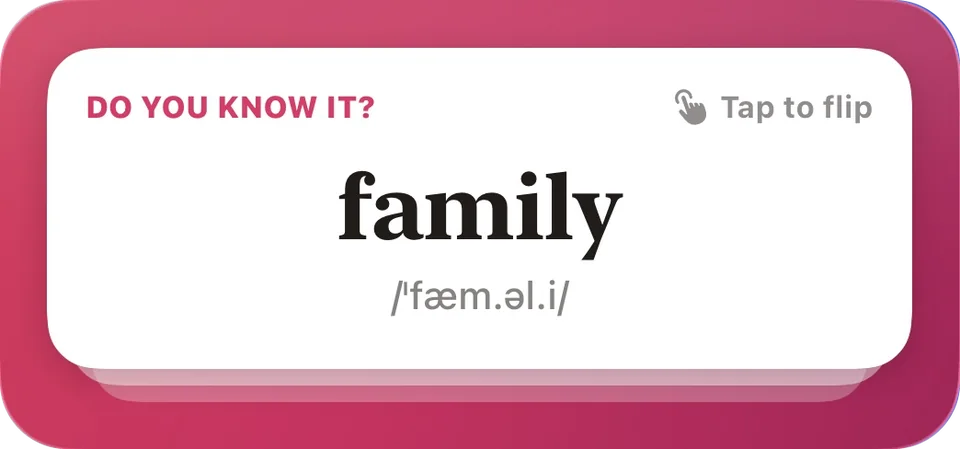
Flashcard
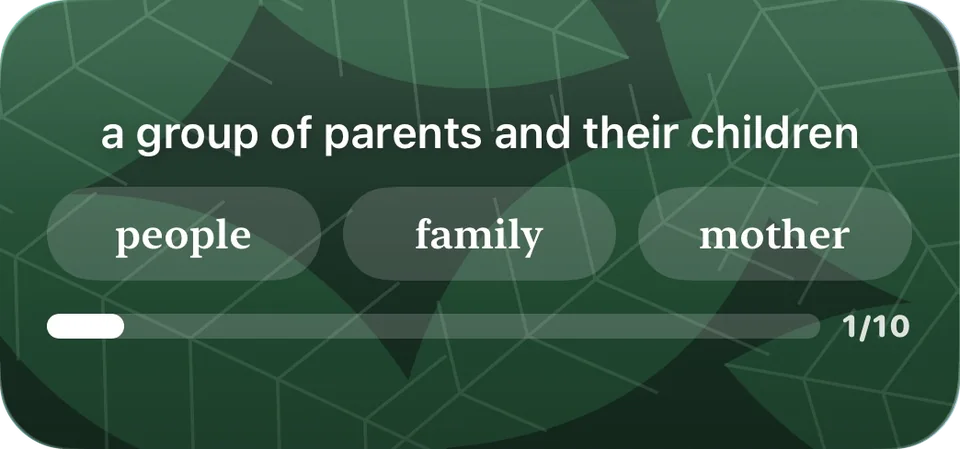
Tap to flip the card and see the meaning. Mark it as known without opening the app.
Vocabulary widget & builder
Vocaki puts the words you are learning on your home screen and lock screen, then helps you keep them with spaced review, quick quizzes and speaking practice. Ten minutes a day.

App Store sooniPhone and Android · Free, no ads
Try it
These work just like the real widgets. Flip the card, hear the word, take the quiz.
Do you know it? Tap to flip
Pick the word
Pick the ones you like. Each widget shows words from your own lessons, not random words of the day.
Tap to flip the card and see the meaning. Mark it as known without opening the app.
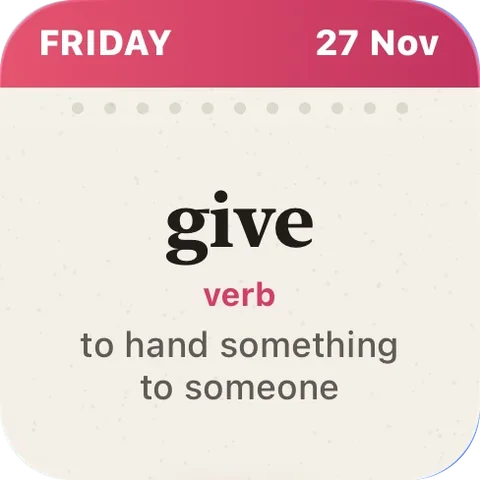
One word a day, like a desk calendar, with its part of speech and meaning.
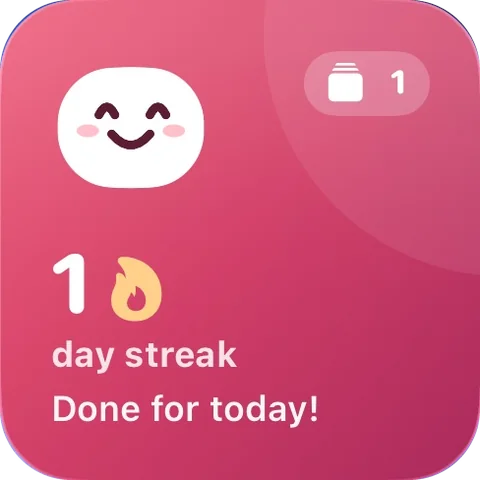
A small friend that smiles when you have studied today and looks worried when you have not.
Read the meaning and tap the right word. Ten questions, answered right on your home screen.
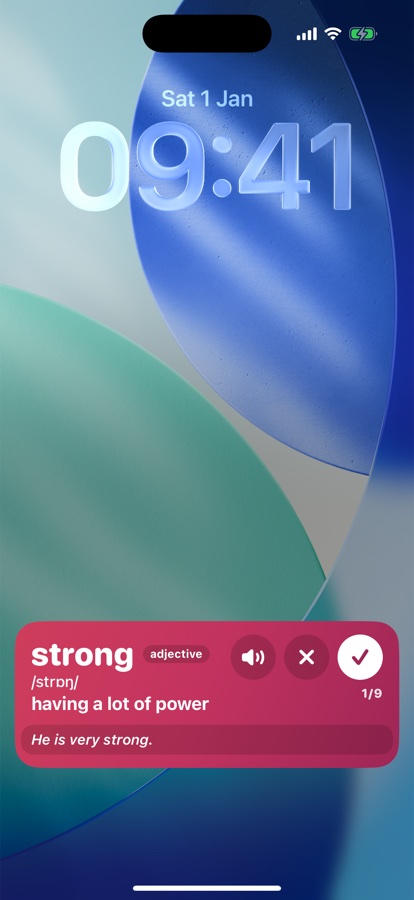
A live word card on your lock screen. Listen, check it off and keep going every time you pick up your phone.
Touch and hold an empty spot on your home screen or lock screen.
On iPhone tap Edit, then Add Widget. On Android tap Widgets.
Search for Vocaki, choose a style and size, and drop it in place.
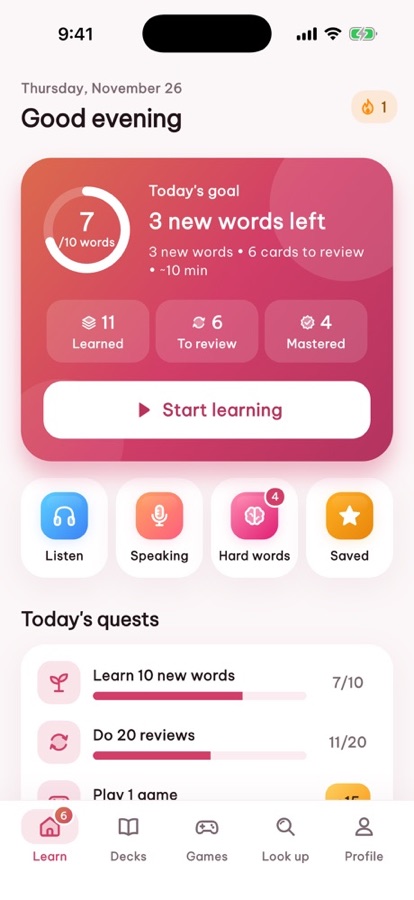
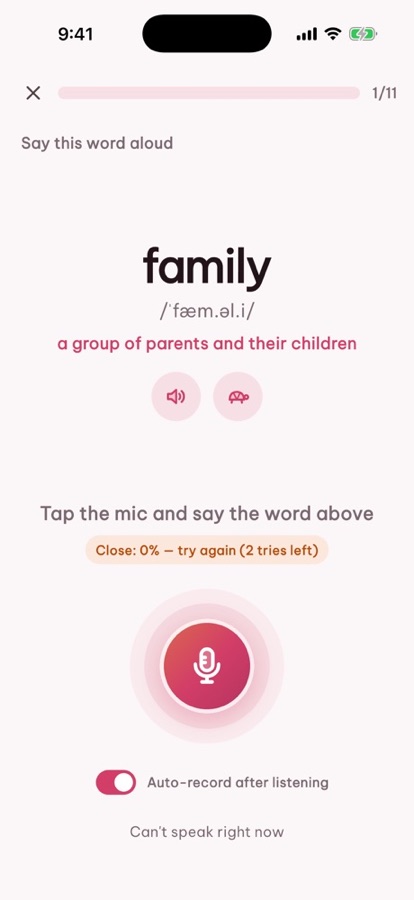
The widgets keep words in front of you. The app makes them stay.
How to Add a Vocabulary Widget to Your Home Screen and Lock ScreenStep-by-step: add a vocabulary widget on iPhone and Android, pick the right style, and place it where you will actually see new English words every day.
Spaced Repetition: How to Remember English Words for GoodWhy you forget new English words within days, and how spaced repetition and active recall fix it. A simple review schedule you can start today.
How to Build Your English Vocabulary in 10 Minutes a DayA practical vocabulary builder routine. Which English words to learn first, how many per day, and a 10-minute plan that keeps them in your memory.
A small card on your home screen or lock screen that shows a word you are learning. You see it every time you pick up your phone, and those short, repeated looks are what move a word into long-term memory.
On iPhone, touch and hold the home screen, tap Edit, then Add Widget, and search for Vocaki. On Android, touch and hold the home screen, tap Widgets and find Vocaki. You can add as many widgets as you like.
Yes. Alongside everyday word sets, Premium unlocks exam sets for IELTS, TOEIC and Business English, all reviewed with spaced repetition.
Yes. The free version includes everyday word sets, every exercise type, speaking practice, the offline dictionary and all widgets, with no ads. Premium ($8.99 a year, $2.99 a month or $24.99 once) adds exam sets and unlimited 60-second challenges.
Yes. Lessons, reviews, the dictionary and the widgets all work without an internet connection.
Vocaki is out now on Google Play. The iPhone version is coming soon to the App Store.
Get it on Google Play. Coming soon to the App Store.